📊 Vendor Dashboard

Your complete command centre for managing products, orders, payouts and performance on the Sitex Marketplace. Powered by our marketplace platform.

Dashboard Features


Product Management

Add, edit and manage your full product catalogue. Bulk upload via CSV or manage individually.

Order Management

View and process incoming orders, print packing slips and update order statuses in real time.

Payouts & Earnings

Track your earnings, view payout history and manage your bank details for regular disbursements.

Sales Analytics

Monitor sales performance, best-selling products and revenue trends over time.

Reviews & Ratings

View customer reviews for your products and vendor store to manage your reputation.

Storefront Settings

Customise your vendor store banner, bio, logo and contact details visible to shoppers.

Bulk Product Import (CSV)


For vendors with large catalogues, our CSV import handles thousands of products in minutes. Required fields:

FieldRequiredNotes
SKUYesUnique product identifier
TitleYesMax 70 chars recommended
Price (ex-VAT)YesIn GBP, decimal format
Stock QuantityYesInteger
DescriptionYesHTML supported
Image URLsYesComma-separated, min 800×800px
GTIN / MPNRecommendedFor Google Shopping eligibility

Image Requirements


Minimum 800×800px

Higher resolution recommended (1200×1200px+) for best quality on retina displays.

White Background

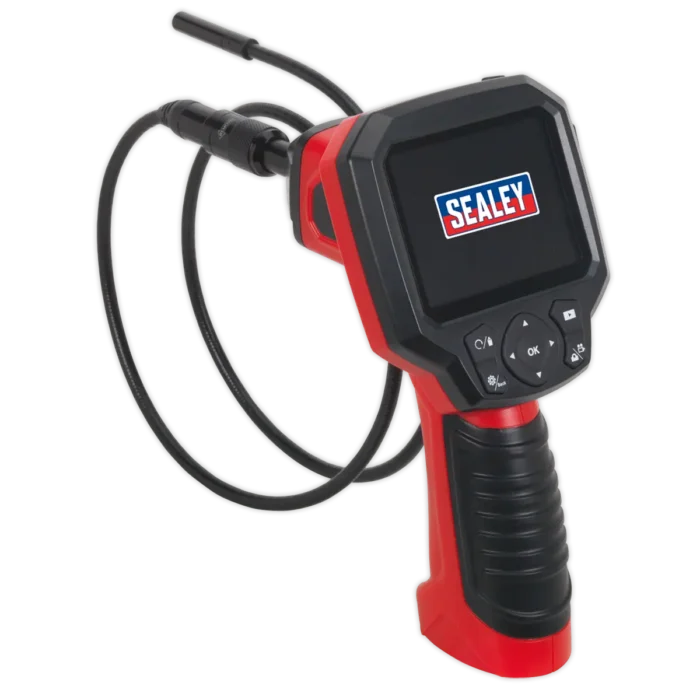
Main image should have a clean white or transparent background — no watermarks or text overlays.

Multiple Angles

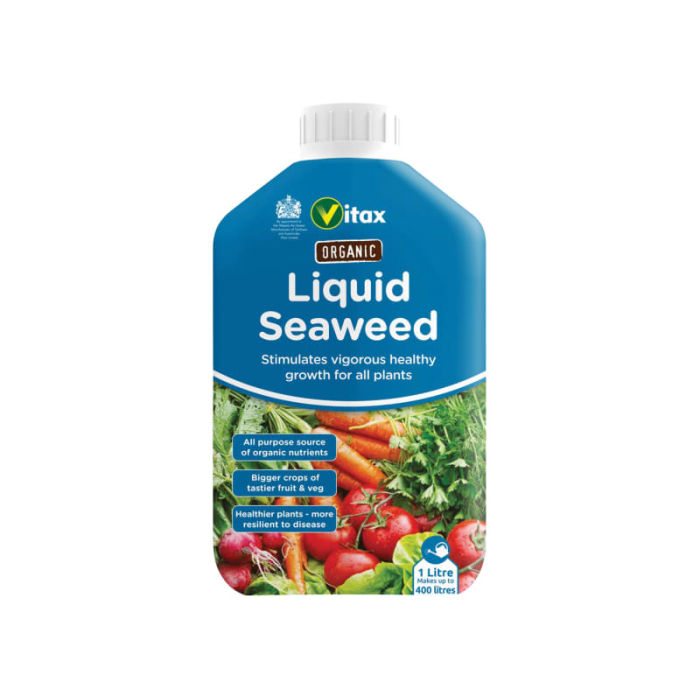
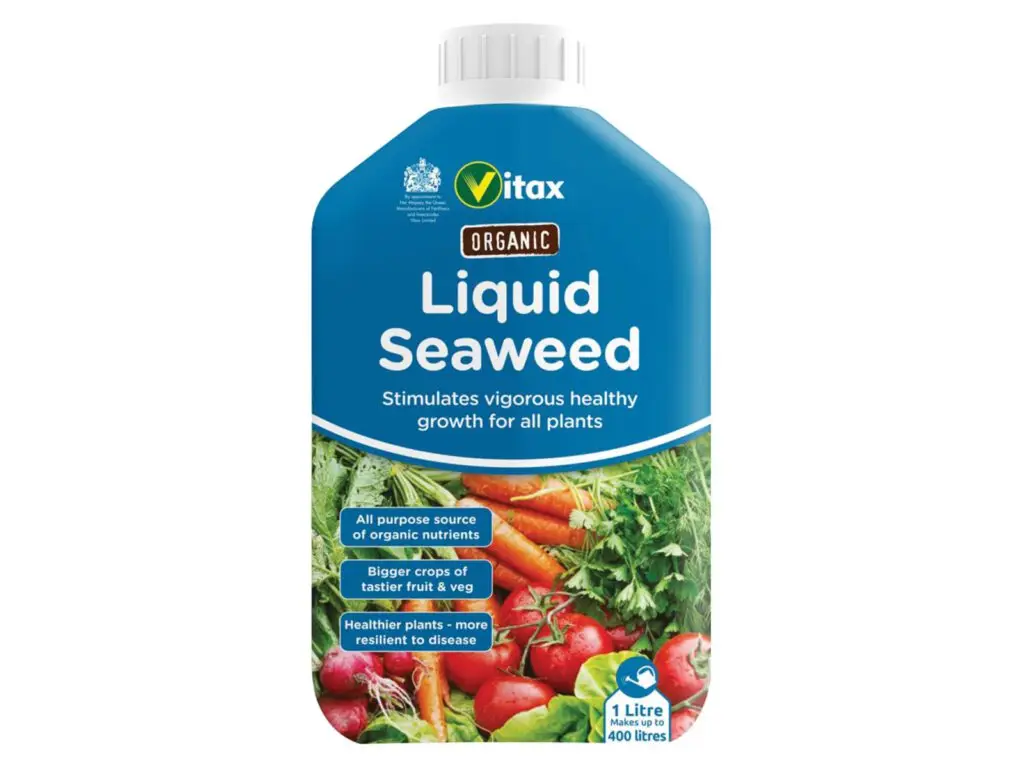
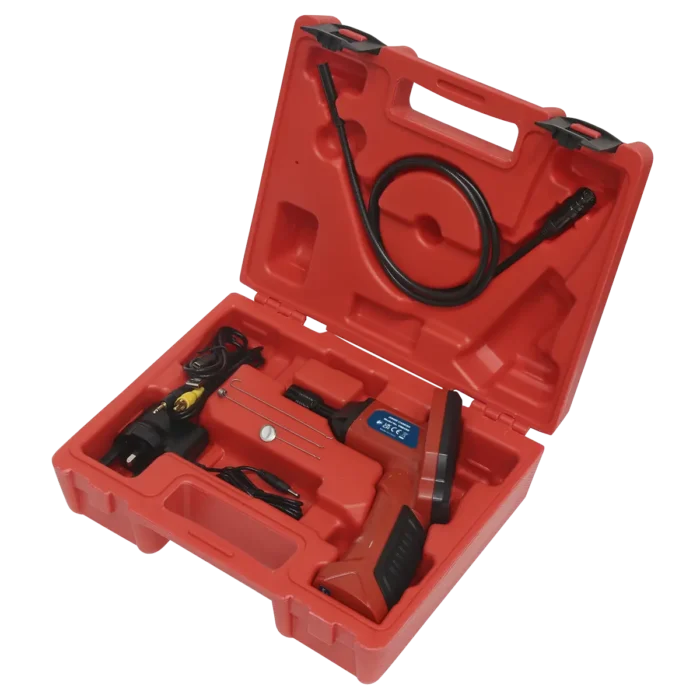
Upload up to 8 images per product showing different angles, scale and key features.

Format

JPG or PNG. WebP is supported. File size up to 5MB per image.

Handling Disputes & Returns


  1. Customer raises a query — you receive a notification in your dashboard
  2. Respond within 24 hours — direct messaging supported via the dashboard
  3. Most disputes resolve directly between vendor and customer
  4. If unresolved, Sitex Direct can mediate as an impartial third party
  5. Returns processed per your stated returns policy and our platform Returns Policy

Getting Started


The Vendor Dashboard is available exclusively to approved vendors:

  1. Register via our Marketplace Registration page
  2. Once approved, log in and navigate to your Vendor Dashboard
  3. Upload your products — bulk CSV or individually
  4. Customise your storefront — logo, banner and bio
  5. Products go live immediately once published

Not Yet a Vendor?

Join our marketplace and start selling to thousands of UK buyers.